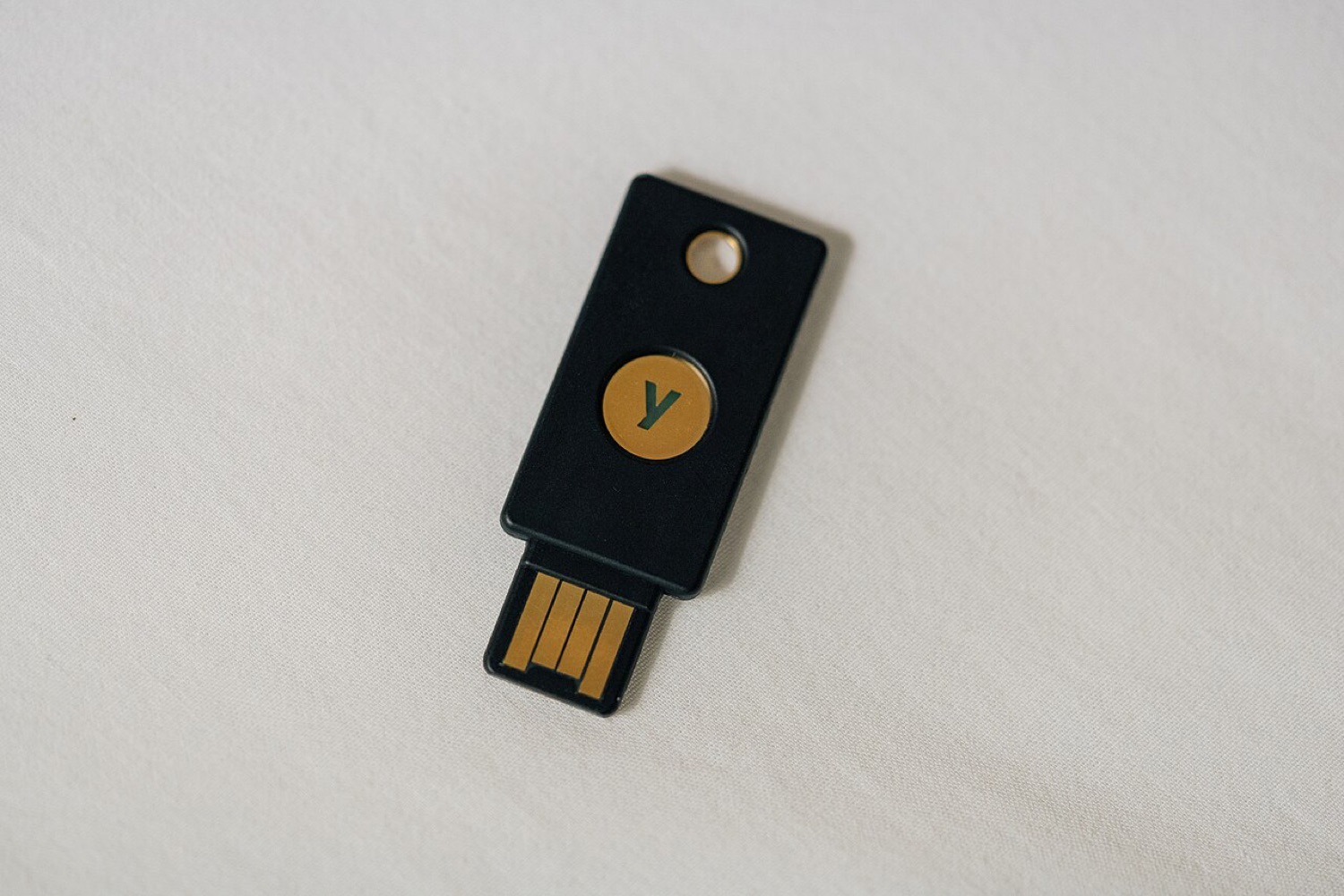
Passwords leak. Big websites get breached, people reuse the same password everywhere, and lists of email-and-password pairs are traded online. Two-factor authentication, often shortened to 2FA, is the simplest way to make a leaked password much less useful.
What it is
The idea is to prove who you are with two different kinds of evidence: something you know (your password) and something you have (your phone or a small hardware key). A thief who has only your password still cannot get in.
The main types, from weakest to strongest
| Method | How it works | Notes |
|---|---|---|
| Text message codes | A one-time code is sent to your phone number | Much better than nothing, but vulnerable to SIM-swap scams |
| Authenticator app | An app on your phone generates a new code every 30 seconds | Works offline; keep the backup codes somewhere safe |
| Push approval | Your phone asks "Is this you?" | Convenient; never approve a request you did not start |
| Security key or passkey | A physical key or your device confirms the login cryptographically | Resistant to phishing, because it only works on the real site |
Where to switch it on first
- Your main email. Whoever controls your email can reset almost everything else.
- Banking and payment apps.
- Any account that holds money or credit, including shopping accounts with saved cards and online casino or sports betting accounts, which store both a balance and payment details.
- Social media, because hijacked accounts are used to scam your friends.
Do not lock yourself out
When you turn on 2FA, the site will offer backup codes. Print them or store them in a password manager. If you change phones, move your authenticator app before you wipe the old one. Five minutes of setup now saves a very long afternoon with customer support later, and it protects you from the fake "security alert" messages described in our guide to spotting hoaxes.